DeepFaceLab Photo Face Swap — HD AI Face Swap for Any Image
Experience the future of image editing with DeepFaceLab's advanced photo face swap. Generate seamless, HD-quality face swaps directly in your browser with no install, no GPU, and no complex setup.
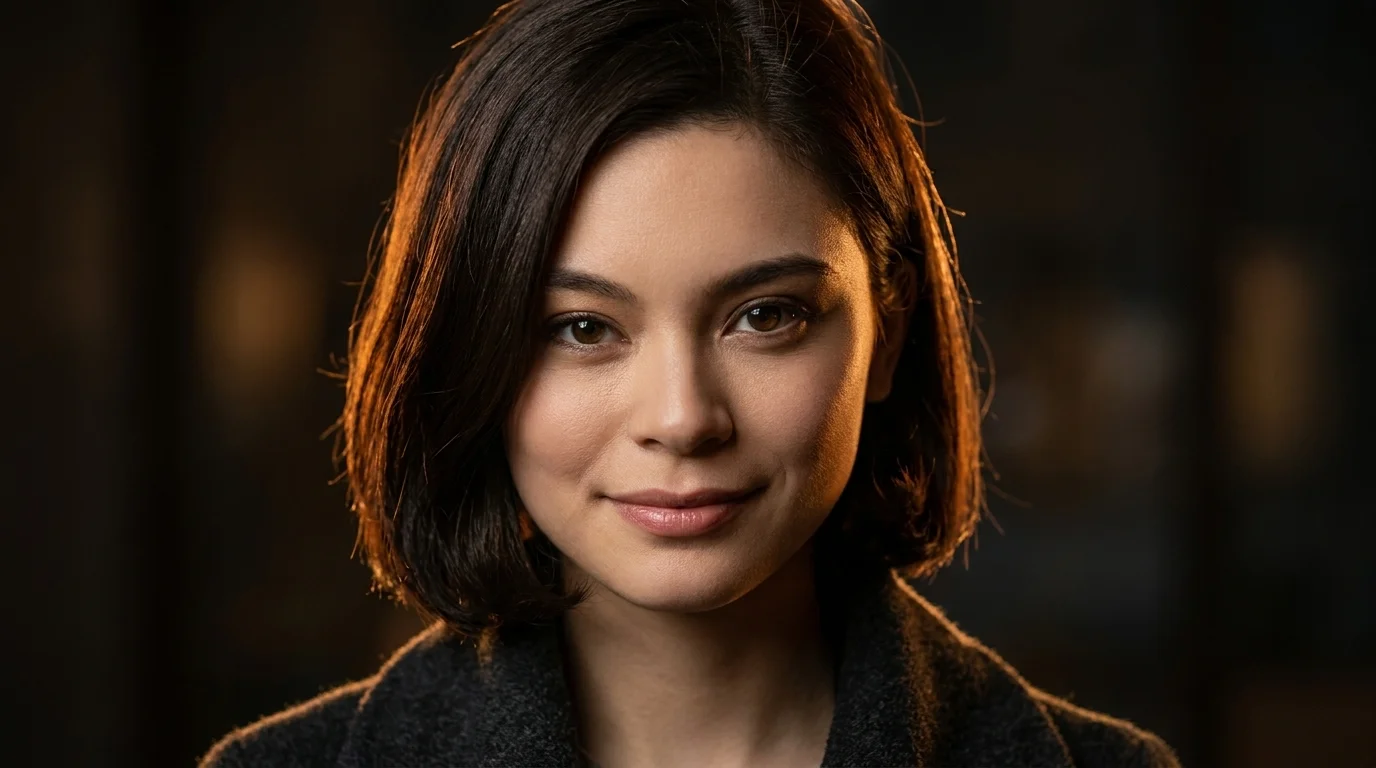
How DeepFaceLab Photo Face Swap Works
Creating a high-quality photo face swap has never been easier. Get professional results in seconds.
Upload Target Photo
Choose the main image you want to modify. DeepFaceLab supports JPG, PNG, and WEBP for photo face swap projects.
Upload Source Face
Select a clear picture of the face you want to swap in. For best results, use a well-lit, front-facing photo.
Generate HD Result
DeepFaceLab AI generates a polished face swap. Download your new HD photo in seconds, ready to share.
Advanced Photo Face Swap Features
The DeepFaceLab online photo editor is packed with professional-grade features for AI-powered image face swaps.
HD Quality
Upscale your creations up to 4K. DeepFaceLab keeps every photo face swap crisp, clear, and professional-grade.
Batch Swap
Process up to 50 photos in a single job, saving time on large projects and profile picture updates.
Multi-Face Detection
Automatically detect and swap up to four different faces in one photo. Perfect for group shots.
Preserves Lighting
The face swap AI intelligently matches lighting, skin tones, and expressions for a hyper-realistic result.
Photo Face Swap Use Cases
Explore creative possibilities with DeepFaceLab's photo face swap, from personal projects to professional marketing.
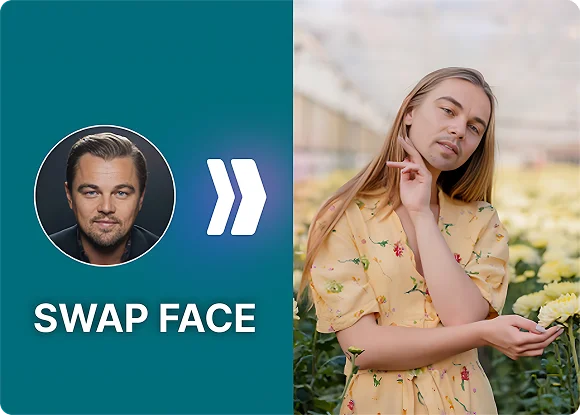
Selfie Reinvention
Use DeepFaceLab to reinvent your look, try new expressions, or create surprising versions of your favorite pictures for social profiles.
Try DeepFaceLab Free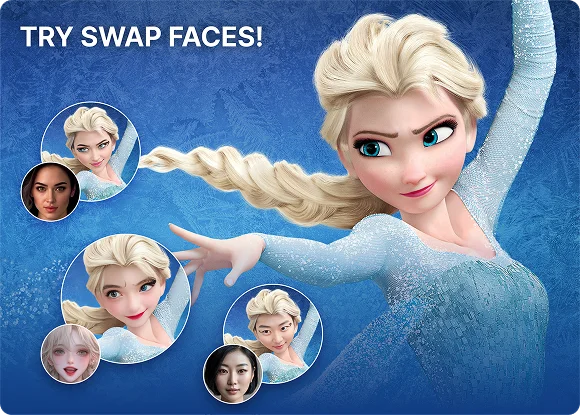
Poster and Marketing Mockups
Visualize actors or models in campaigns instantly. Create high-fidelity mockups for movie posters, product ads, and creative concepts.
Try DeepFaceLab Free
Social Media Avatars
Merge your face with art, characters, or historical figures to create polished, memorable profile pictures and themed avatars.
Try DeepFaceLab Free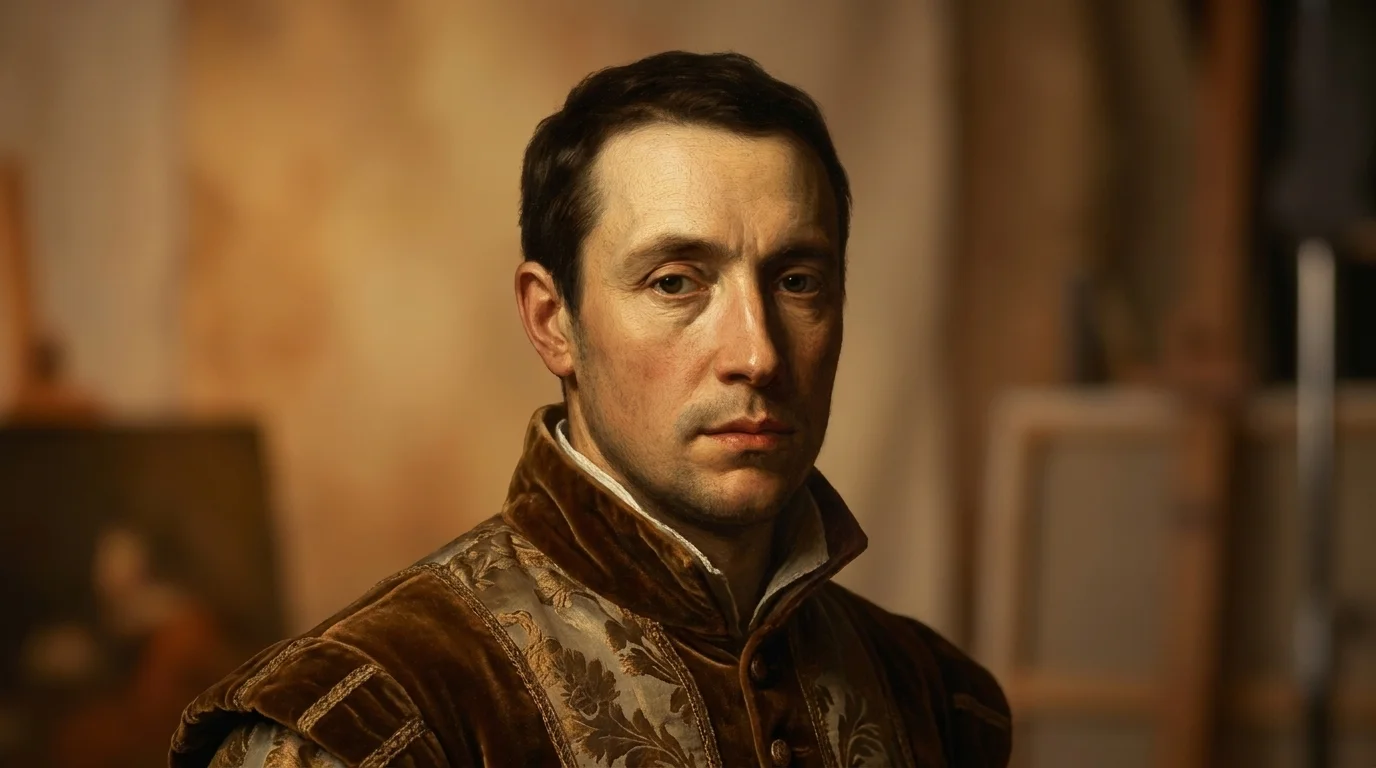
Vintage Photo Retouching
Breathe new life into old family photos by restoring, replacing, or enhancing damaged faces while preserving texture and lighting.
Try DeepFaceLab FreeSupported Formats and Specs
DeepFaceLab is built for performance and flexibility in online photo face swap workflows.
JPG/PNG/WEBP Input
Upload common image formats without conversion.
HD 1080p & 4K Output
Create polished high-resolution face swap images.
Batch up to 50 Photos
Process large image sets in one job.
Up to 4 Faces per Image
Run multi-face swaps for group photos.
Auto Color Match
Match skin tone, shadows, and lighting automatically.
Auto-Delete in 1h
Files are removed quickly after processing.
Frequently Asked Questions
Have questions about the DeepFaceLab photo face swap tool? We have answers.
DeepFaceLab's photo face swap tool uses advanced models to analyze facial landmarks, expressions, lighting, and skin texture so the swapped face blends naturally into the target image.
You can upload JPG, PNG, and WEBP images. PNG files with transparent backgrounds are supported, and no manual conversion is needed.
Yes. Batch processing lets you upload one source face and a collection of target photos so DeepFaceLab can perform the face swap across the set.
Yes. DeepFaceLab analyzes lighting, shadows, and skin tones in the target image and re-renders the source face under those conditions.
The photo tool is optimized for still images and fast high-detail output. The video tool processes thousands of frames while maintaining motion consistency over time.
Yes. Source photos, target photos, and generated results are automatically deleted from our systems one hour after processing.
Explore More DeepFaceLab Tools
Choose the right cloud face swap workflow for your photo or video project.
Start Your DeepFaceLab Photo Face Swap Free
Use the cloud version of the famous DeepFaceLab workflow. No install, no GPU.
Generate Your First Face Swap